
Meet SSC Focus
A clearer plan.
A more focused
study day.
Your syllabus, daily tasks, notes, practice and mistakes in one web app. Built to help you decide what to work on next.
No download needed · Google or email sign-in
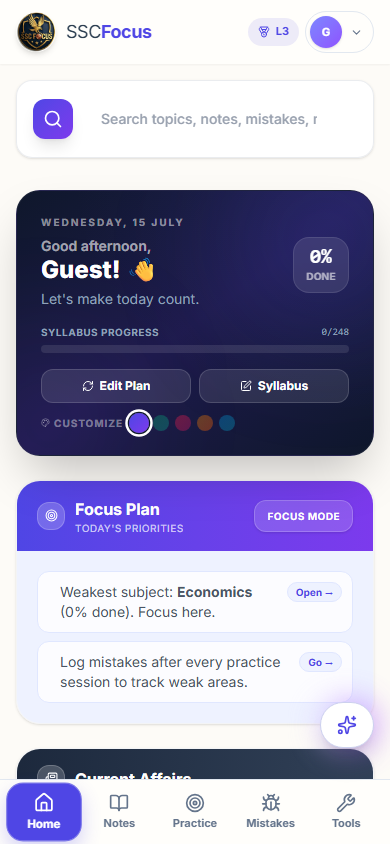
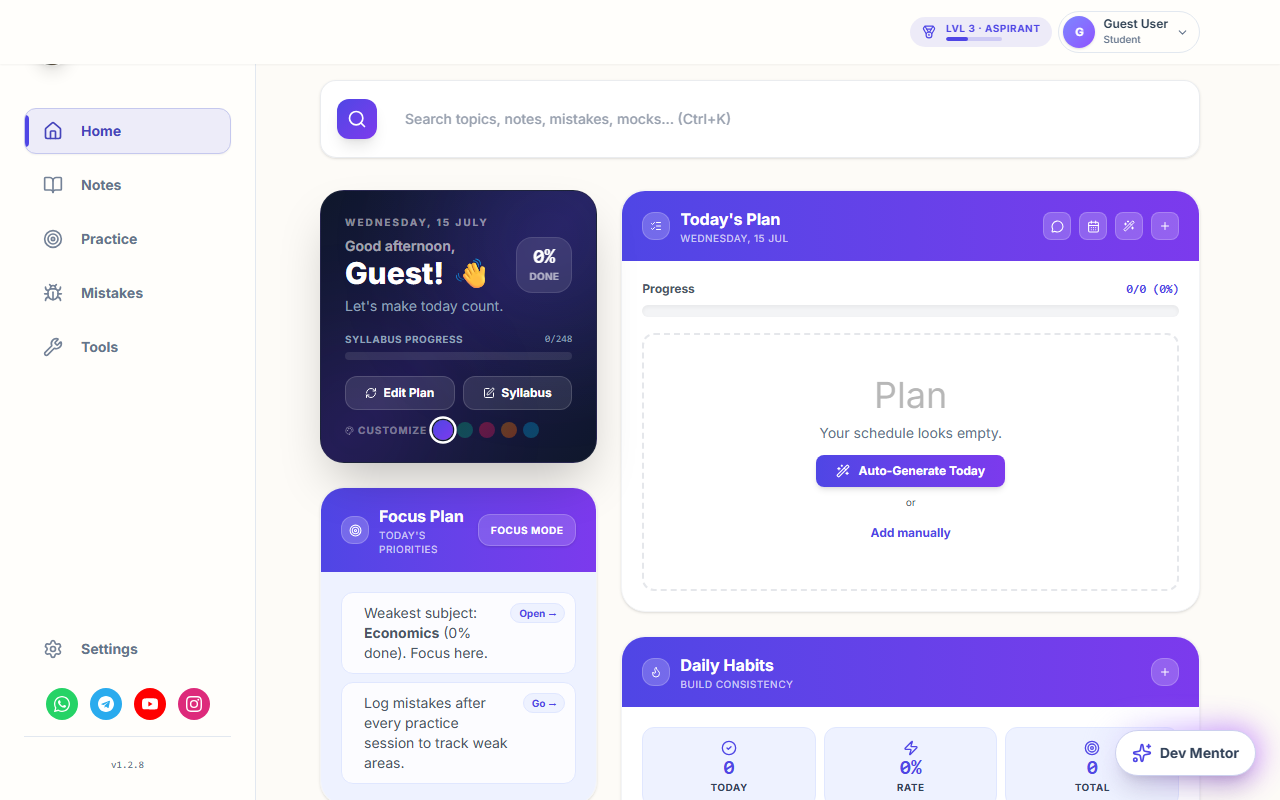
Dashboard preview · sample data
One place for your preparation
Know what comes next.
Plan your day
Generate a plan or add tasks yourself. Start with a manageable list.
Track your syllabus
Keep your topic progress visible and return to subjects that need attention.
Learn from mistakes
Use the mistake diary after practice so revision has a clear purpose.
From opening the app to your first task
- Open SSC FocusThe web app works in your browser. No download is required.
- Sign in with Google or emailIf your coaching institute gave you a code, you can enter it on the sign-in screen.
- Choose today’s workReview your syllabus, generate a plan or add a task. Begin with one topic.
- Come back after practiceRecord your mistakes and use them to choose what to revise.
Good to know
Can I try a lesson before signing up?
Yes. Explore the English lessons, vocabulary series and practice games on SSC Blog without an app account.
What happens when I click Open SSC Focus?
You go to ssc-focus.web.app and its sign-in screen. Choose Google or email to continue.
Does the app have paid features?
The app may offer paid memberships. Available features can change. Check the current plan details and price in the app before buying. See the terms and refund policy.
Where can I get help?
Use our contact page for questions and corrections. Read the app’s privacy policy and account deletion guide for account information.
Your next study session starts here.
One task. One topic. A clear place to begin.
No download needed · Google or email sign-in
SSC Blog and SSC Focus are independent of the Staff Selection Commission and Government of India. For official notices, visit ssc.gov.in.